Creating a productive home office space is essential for anyone working remotely or simply managing tasks from home. A well-designed workspace not only boosts your concentration but also increases your comfort, making it easier to stay motivated and efficient. Here are some helpful tips to transform your home office into a productive environment.
Choose the Right Location
Selecting the appropriate spot for your home office is the foundation of productivity. Ideally, this space should be quiet, well-lit, and separate from high-traffic areas in your home to minimize distractions.
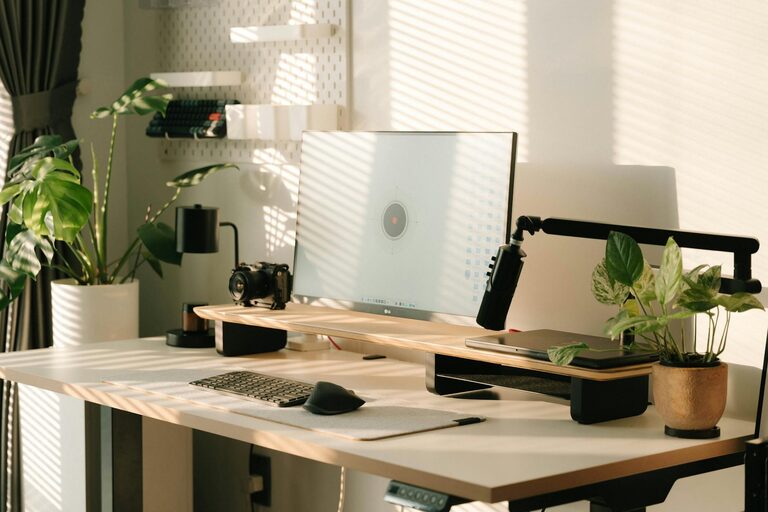
– Natural Light: Position your desk near a window to take advantage of natural daylight. Natural light can improve mood and reduce eye strain.
– Away from Noise: Avoid areas near television sets, kitchens, or common pathways.
– Dedicated Space: Even a small corner or nook can work if it’s designated solely for work.
Invest in Ergonomic Furniture
Comfort plays a key role in how long and how well you can focus. Ergonomic furniture supports your body’s natural posture, helping prevent discomfort and fatigue.
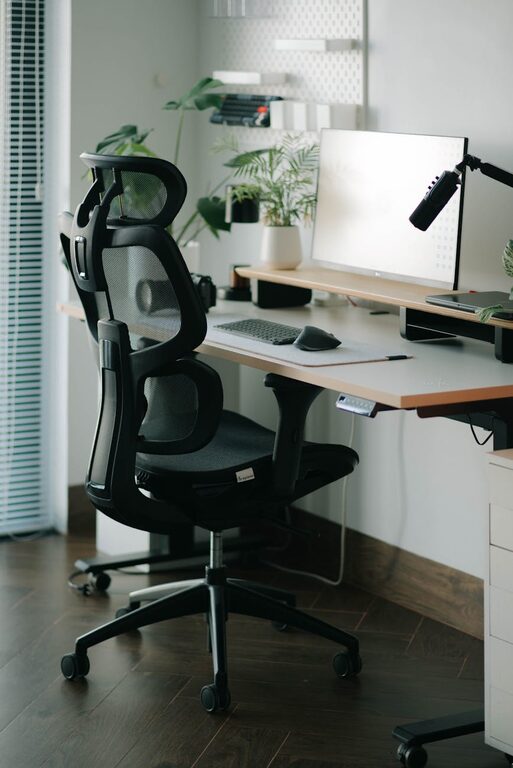
– Adjustable Chair: Choose a chair with good lumbar support, adjustable height, and comfortable cushioning.
– Desk Height: Your desk should allow your arms to rest comfortably at a 90-degree angle while typing.
– Standing Options: Consider a sit-stand desk to alternate positions during the day.
Organize and Declutter Your Workspace
A tidy workspace reduces distractions and helps keep your mind clear. Organize your essentials and create a clutter-free environment.
– Storage Solutions: Use shelves, drawers, and organizers to keep supplies in order.
– Minimalism: Keep only what you need on your desk. Remove unnecessary items.
– Cable Management: Use clips or covers to keep cables off your desk and floor.
Optimize Lighting
Proper lighting reduces eye strain and helps maintain alertness throughout the workday.
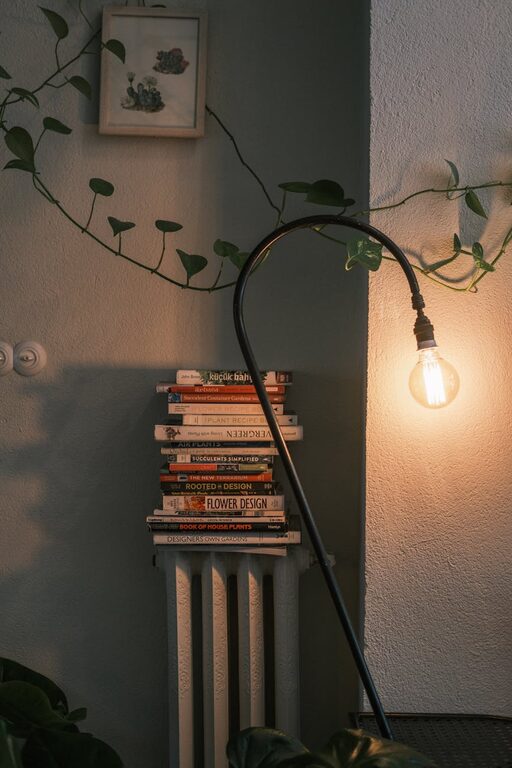
– Task Lighting: Use a desk lamp with adjustable brightness for focused tasks.
– Avoid Glare: Position screens away from direct light sources or use curtains to control brightness.
– Balanced Lighting: Combine ambient light with task lighting to create a comfortable atmosphere.
Personalize Without Overdoing It
Adding personal touches makes your workspace inviting and can boost your mood, but balance is important.
– Plants: Small indoor plants can improve air quality and add a calming touch.
– Artwork: Choose a few pieces that inspire or relax you.
– Color Scheme: Opt for soothing colors that enhance focus like blues or greens rather than overly bright or distracting hues.
Incorporate Technology Wisely
Technology should aid your productivity without becoming a source of distraction.
– Reliable Equipment: Ensure your computer, printer, and internet connection are efficient and up to date.
– Noise-Canceling Headphones: These can help block out household noise.
– Productivity Tools: Use apps and software that help organize tasks, schedule breaks, and manage projects.
Create a Routine and Boundaries
Your physical workspace sets the stage, but habits ensure sustained productivity.
– Set Working Hours: Define when your workday starts and ends to maintain work-life balance.
– Breaks: Schedule regular short breaks to rest your eyes and stretch your body.
– Limit Interruptions: Communicate your work hours to household members and minimize distractions.
Add Comfort Elements
Comfort extends beyond furniture to include the general environment and ambiance.
– Temperature Control: Keep your space at a comfortable temperature using fans, heaters, or ventilation as needed.
– Hydration and Snacks: Keep water and light snacks nearby to stay refreshed.
– Background Sound: Soft music or white noise machines can help some people concentrate better.
—
By thoughtfully arranging your home office with these tips, you’ll create a space that not only looks inviting but supports your focus and well-being. A balanced workspace tailored to your needs is a powerful tool for productivity at home.
About the Author