Creating a home office space that is both comfortable and productive can significantly improve your work-from-home experience. Whether you have a dedicated room or just a corner of your living space, designing your workspace thoughtfully can help reduce stress, improve focus, and increase efficiency. In this guide, we’ll share key tips to help you create an ideal home office environment.
Choose the Right Location
Selecting the best spot for your home office is the first and one of the most important steps.
– Find a quiet area: Pick a place with minimal distractions, away from noise from TVs, household activities, or heavy traffic.
– Maximize natural light: A workspace near a window helps reduce eye strain and improves mood. If natural light is limited, invest in good quality lighting.
– Ensure enough space: Make sure the area can comfortably fit your desk, chair, and any essentials without feeling cramped.
Invest in Ergonomic Furniture
Comfort is key to maintaining focus and avoiding physical discomfort during long work hours.
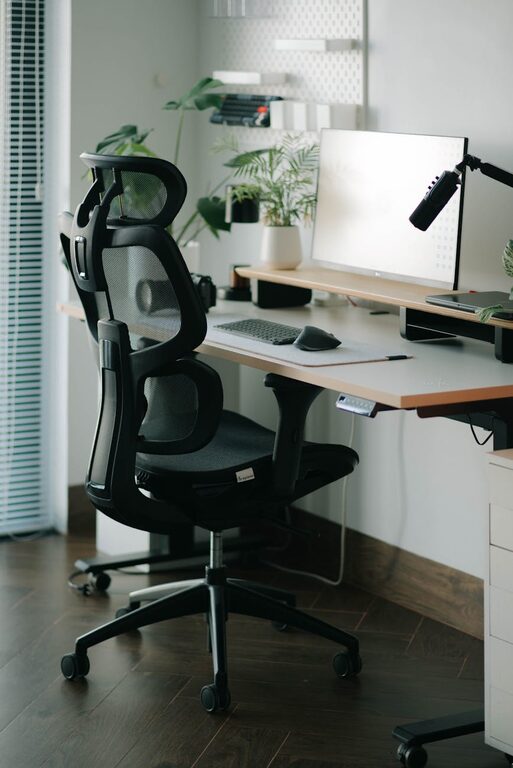
Ergonomic Chair
– Choose a chair that supports your back well and allows your feet to rest flat on the floor.
– Adjustable height, lumbar support, and armrests are helpful features.
Desk
– Your desk should be at a height where your arms are parallel to the floor when typing.
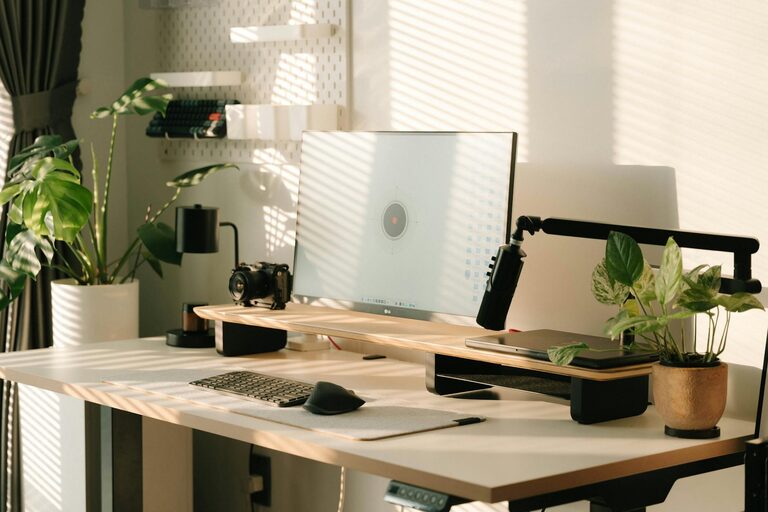
– Consider adjustable or standing desks to alternate between sitting and standing.
Organize Your Workspace
An organized workspace helps clear your mind and boosts productivity.
– Use storage solutions: Shelves, drawers, and organizers can keep supplies and documents neat.
– Limit clutter: Keep only daily necessities on your desk to avoid distractions.
– Cable management: Use clips or sleeves to keep wires tidy and prevent tripping hazards.
Optimize Lighting
Good lighting reduces eye strain and keeps you alert.
– Combine natural and artificial lighting to work comfortably throughout the day.
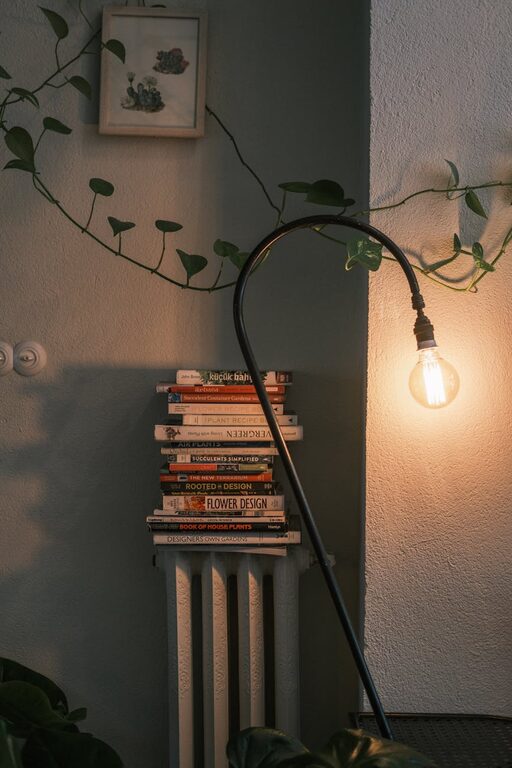
– Use a desk lamp with adjustable brightness.
– Avoid glare by positioning your monitor perpendicular to windows.
Personalize Your Space
Adding personal touches can make your home office inviting and enjoyable.
– Decorate with plants, which also improve air quality.
– Hang artwork or photos that inspire you.
– Choose colors and textures you find calming or energizing.
Minimize Distractions
To maintain focus, try the following:
– Use noise-cancelling headphones or soft background music if you’re in a noisy environment.
– Establish clear boundaries with household members during work hours.
– Turn off non-essential notifications on devices.
Set Up Technology Efficiently
Having the right tools and setup is vital for productive remote work.
– Make sure your internet connection is fast and stable.
– Position your monitor at eye level to prevent neck strain.
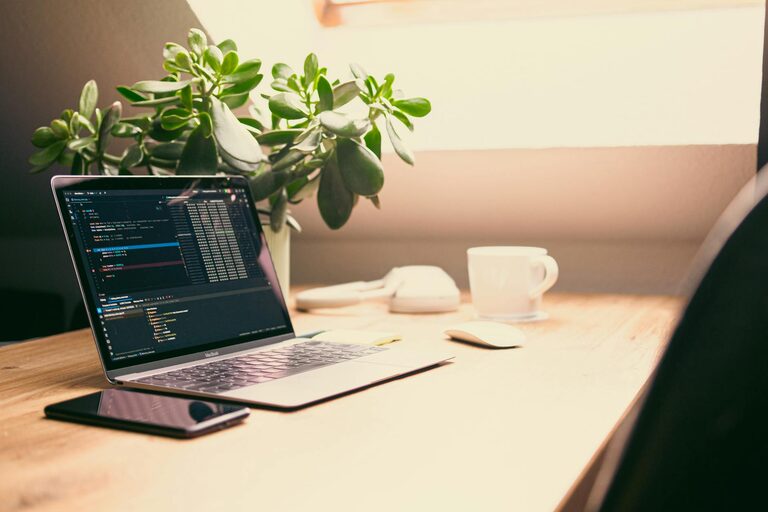
– Use a keyboard and mouse that feel comfortable for long use.
– Keep chargers and accessories within reach.
Maintain a Healthy Routine
Your workspace is part of your overall health routine.
– Take regular breaks to stretch or walk.
– Keep water nearby to stay hydrated.
– Incorporate plants or an air purifier for fresh air.
Conclusion
Designing a comfortable and productive home office doesn’t require a large budget but thoughtful planning. By focusing on location, furniture, organization, lighting, and personalization, you can create a space that supports your work goals and well-being. Remember, a well-designed home office enhances not just productivity but also your overall work-from-home satisfaction.
About the Author