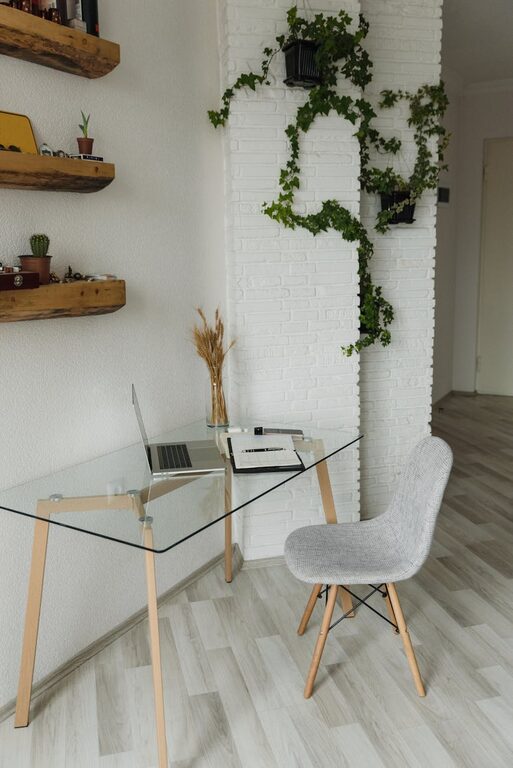
Creating a home office that is both cozy and functional can significantly improve your work-from-home experience. When your workspace feels inviting and supports your daily tasks, productivity naturally follows. Whether you have a dedicated room or just a small corner, these tips will help you design an efficient and comfortable home office.
Choose the Right Location
Selecting the best spot for your home office is the first step.
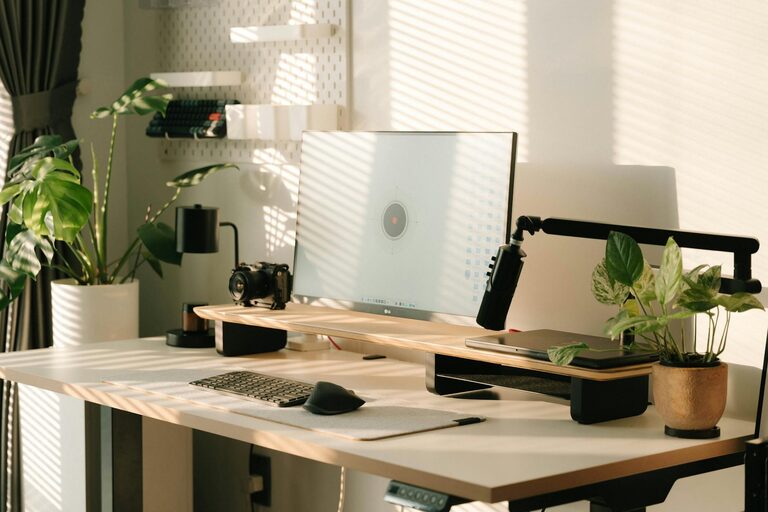
– Natural light matters: Position your desk near a window to benefit from natural light, which boosts mood and focus.
– Quiet environment: Choose a location away from high-traffic areas to minimize distractions.
– Adequate space: Ensure there’s enough room for your desk, chair, and essential equipment without feeling cramped.
Invest in Comfortable Furniture
Comfort is key for long hours of work.
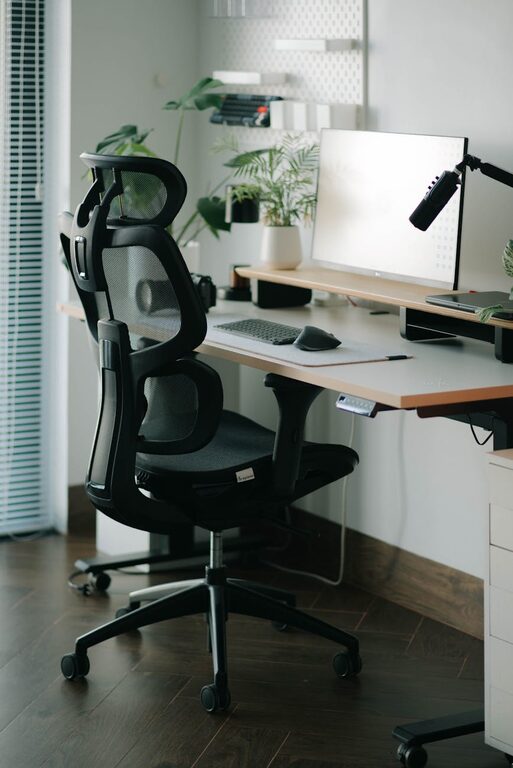
– Ergonomic chair: Opt for a chair that supports your back and encourages good posture.
– Appropriate desk height: Your desk should allow your arms to rest comfortably with wrists straight while typing.
– Flexible seating options: Consider a standing desk or an adjustable chair to vary your position throughout the day.
Organize Efficiently
A clutter-free space helps maintain focus.
– Storage solutions: Use shelves, filing cabinets, or desk organizers to keep supplies tidy.
– Cable management: Secure cords with clips or sleeves to avoid tangles.
– Minimalism: Keep only essentials on your desk to reduce distractions.
Personalize Your Space
Adding personal touches can make your workspace feel welcoming.
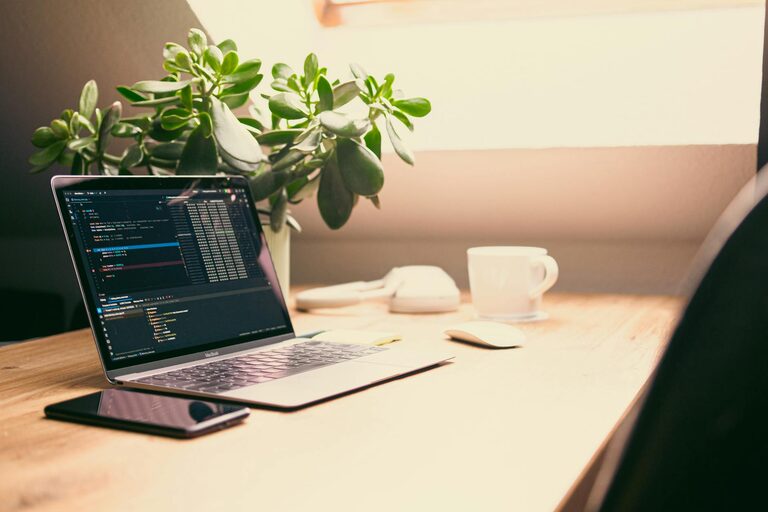
– Decorate thoughtfully: Include items like plants, artwork, or photos that inspire you without causing clutter.
– Color choices: Use calming colors such as soft blues, greens, or neutrals, which promote concentration.
– Comfort items: A cozy throw blanket or cushioned footrest can add to the warmth of your office.
Maximize Lighting
Proper lighting reduces eye strain and creates a pleasant atmosphere.
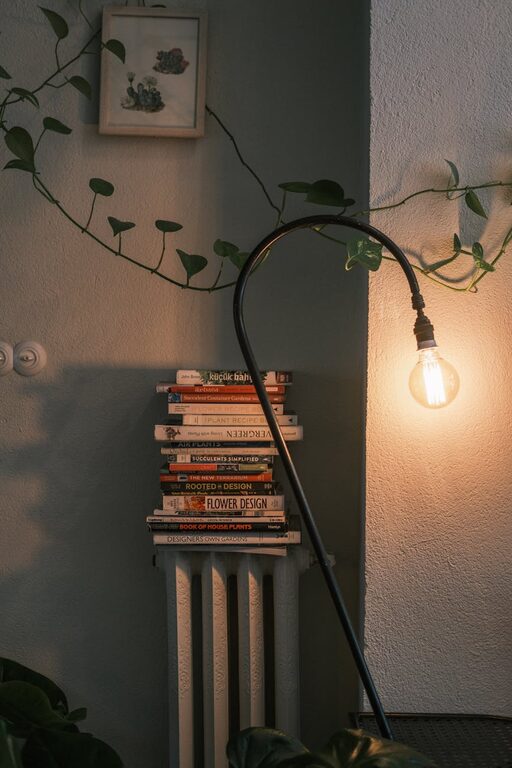
– Layered lighting: Combine ambient lighting with task lighting, such as a desk lamp.
– Adjustability: Use lamps with adjustable brightness and direction to suit different tasks.
– Avoid glare: Position lights to prevent reflections on screens and surfaces.
Create Zones for Different Tasks
Dividing your space according to activity can boost efficiency.
– Work zone: Your primary desk area for concentrated tasks.
– Reference zone: A spot for books, notes, or materials you use frequently.
– Break zone: If space allows, include a small seating area for relaxation or brainstorming.
Incorporate Technology Wisely
Organize devices to support your workflow.
– Reliable internet: Ensure your workspace has strong Wi-Fi or wired connection.
– Essential tools: Equip your office with necessary gadgets like printers, scanners, or multiple monitors.
– Wireless peripherals: Using wireless keyboards and mice can reduce cable clutter.
Maintain a Routine and Tidy Up Daily
Keeping your office organized and following a routine helps sustain productivity.
– Daily cleanup: Spend a few minutes at the end of each day to clear your desk and organize materials.
– Set work hours: Define start and end times to help separate work life from personal life.
– Regular breaks: Schedule short breaks to stretch, stay refreshed, and maintain focus.
Final Thoughts
Designing a home office that balances comfort and function doesn’t require a lot of space or expense. With thoughtful planning, attention to ergonomics and lighting, and personal touches, you can create a workspace where productivity and coziness go hand in hand. Start small by organizing your essentials and gradually add elements that make your office feel uniquely yours. A well-designed home office not only enhances your workday but also supports your overall well-being.
About the Author