Creating a productive home office environment is essential for anyone working remotely or running their own business from home. With the right setup and habits, you can boost focus, reduce distractions, and improve your overall work experience. In this post, we’ll explore practical tips to help you create a workspace that supports your productivity and well-being.
Choose the Right Location
Selecting a dedicated space for your home office is the first step to staying productive.
– Quiet and Private: Find a spot with minimal noise and interruptions to help you concentrate.
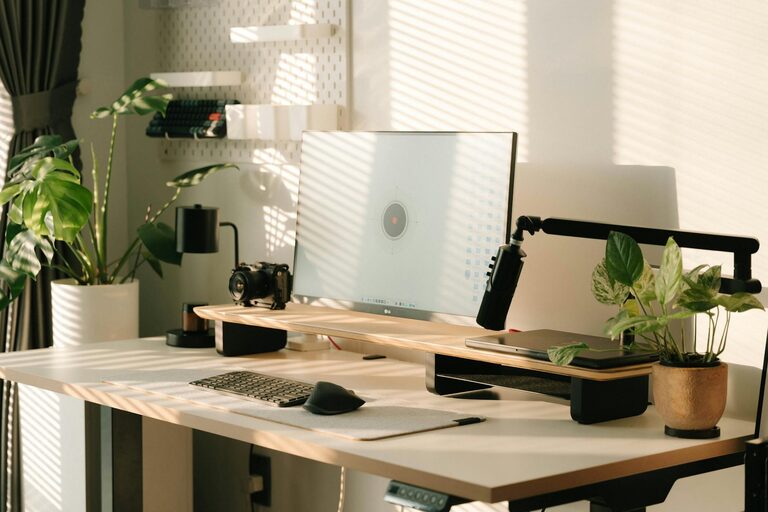
– Natural Light: If possible, choose a space near a window. Natural light can improve mood and reduce eye strain.
– Away from High-Traffic Areas: Avoid locations close to busy rooms like the kitchen or living room to minimize distractions.
Invest in Comfortable and Ergonomic Furniture
Spending long hours at your desk requires a setup that supports your body.
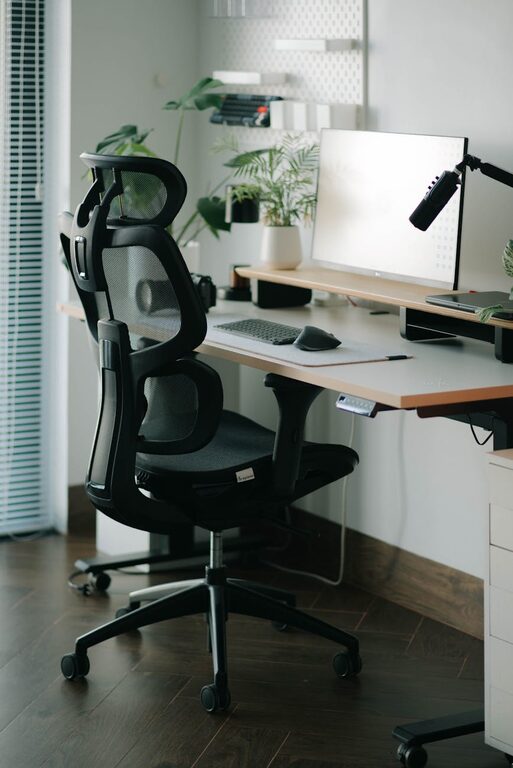
– Ergonomic Chair: Choose a chair that offers good back support and adjustability.
– Desk Height: Ensure your desk height allows your forearms to be parallel to the floor when typing.
– Monitor Position: Position your screen at eye level to avoid neck strain.
Organize Your Workspace
A tidy desk helps clear your mind and speeds up workflow.
– Declutter Regularly: Keep only essential items on your desk.
– Storage Solutions: Use shelves, drawers, or organizers to store supplies neatly.
– Manage Cables: Use cable clips or sleeves to keep cords organized and out of the way.
Optimize Lighting
Proper lighting reduces eye fatigue and keeps you alert.
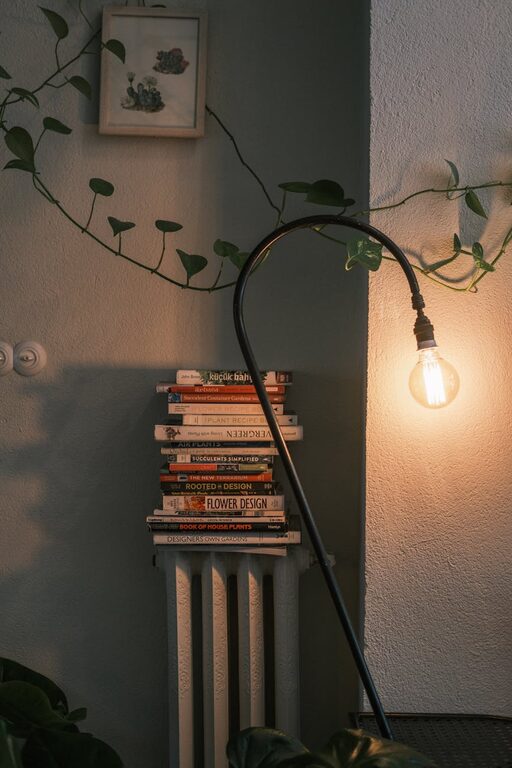
– Combine Natural and Artificial Lighting: Supplement daylight with adjustable desk lamps.
– Avoid Glare: Position lights and your monitor to minimize glare and reflections.
Minimize Distractions
Creating boundaries can help maintain focus during work hours.
– Set Work Hours: Communicate your schedule to family or roommates.
– Use Headphones: Noise-canceling headphones can block out background noise.
– Limit Phone Notifications: Turn off non-essential alerts during work time.
Personalize Your Space
Adding personal touches can make your office more inviting without causing clutter.
– Plants: Small indoor plants improve air quality and add a touch of nature.
– Artwork or Inspirational Quotes: Choose pieces that motivate you.
– Comfort Items: A cozy throw blanket or a favorite mug can make the space pleasant.
Use Technology Wisely
Leverage tools that support your work and organization.
– Reliable Internet: Ensure your internet connection is fast and stable.
– Useful Apps: Use task managers, calendars, and focus apps to stay organized.
– Backup Power: Consider surge protectors or an uninterruptible power supply for important equipment.
Incorporate Movement Breaks
Sitting for long periods can affect productivity and health.
– Schedule Breaks: Take short breaks every hour to stretch or walk.
– Standing Desk Options: If possible, alternate between sitting and standing.
Maintain a Clean Environment
A clean workspace promotes a clear mind and reduces illness.
– Regular Cleaning: Dust surfaces and vacuum the area weekly.
– Air Quality: Ventilate the room or use air purifiers if needed.
—
By applying these tips, you can create a home office that supports your productivity, comfort, and overall work-life balance. Start small and adjust your space according to what works best for you. Remember, the most productive home office is one that fits your unique needs and helps you focus on what matters most.
About the Author